
Sunspin Mobile and App Access

Sunspin Casino runs entirely through the browser on mobile, which keeps the experience light, quick to load, and free of the App Store and Google Play hoops most native casino apps face. Players access the same lobby, the same games, the same cashier, and the same daily login rewards from any modern smartphone with a stable connection. A handy Progressive Web App option also makes the site behave like a native app on the home screen, complete with its own icon. Here is the full look at Sunspin on mobile in 2026.
Does Sunspin Have an iOS or Android App?
Sunspin Casino does not have a dedicated iOS or Android app listed on the Apple App Store or Google Play. This is a common situation for sweepstakes platforms because both stores apply strict policies to gambling-adjacent apps under Apple App Store guideline 5.3 and Google Play's gambling policy. Rather than ship a native app at risk of removal, Sunspin runs the entire experience through any modern mobile browser. The web version supports the full game library, account dashboard, cashier, daily login claim, and customer support tools — nothing is locked behind a download.
How to Install Sunspin as a Progressive Web App
What a Progressive Web App Is
A Progressive Web App is a website saved to the home screen with its own icon and launch behaviour, much like a regular app. PWAs run in a full-screen window without browser address bars and update automatically whenever the underlying site does.
Install on iPhone or iPad (Safari)
On iOS, the install path runs through Safari. Players open sunspinncasino.com in Safari, tap the share button at the bottom of the screen, scroll down the share sheet, and pick "Add to Home Screen". A confirmation screen lets the player rename the icon — keeping "Sunspin" is the simplest option — before tapping Add. The Sunspin icon then appears on the home screen and launches the lobby in full-screen mode, just like a native app.
Install on Android (Chrome)
On Android, Chrome handles the install. Players open the Sunspin homepage in Chrome, tap the three-dot menu in the top right, and select "Add to Home screen" or "Install app". A confirmation prompt appears, the player taps Install, and the Sunspin icon lands on the home screen ready for one-tap launches.
What Works vs a Native App
Most native-app features carry over to the PWA experience.
- Full-screen lobby — game launch and navigation without browser chrome
- Persistent login session — accounts stay signed in across visits
- Home screen icon — quick access from the main app grid
- Same cashier and bonuses — including the Sunspin daily login bonus
The PWA does not currently support biometric login or push notifications, so phone reminders are the simplest backup for the daily login streak.
Sunspin Mobile Experience: What to Expect
Lobby Layout and Navigation
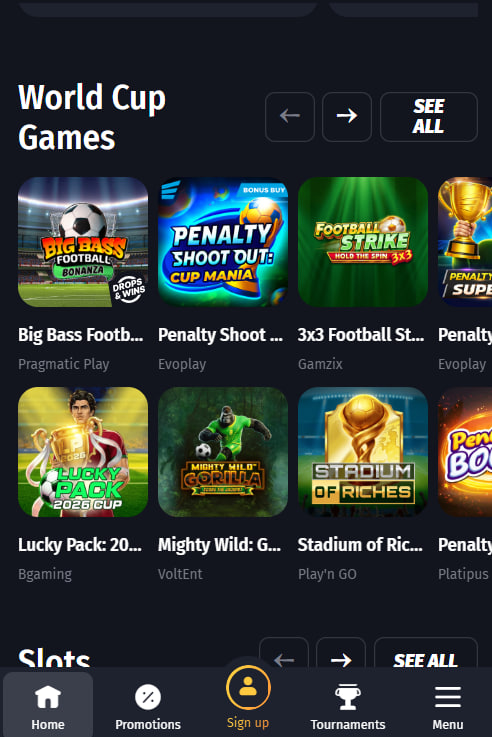
The mobile lobby uses a hamburger menu in the top-left for category switching, with a sticky filter strip below the header for slot type, provider, and theme. Games display in a 2-column grid on phones and a 3-column grid on tablets. Lobby load times typically sit at two to three seconds on a stable 4G connection, with WiFi shaving off another second.
Gameplay Performance
Slots run in HTML5 and play smoothly on any 2020-or-newer smartphone, with no perceivable lag on the most popular titles. Crash games such as Aviatrix and PlinkoXY benefit from a stable connection — WiFi is preferable for fast-decision rounds where timing matters. Live dealer sessions, where available, are bandwidth-heavier and best played at home rather than over mobile data.
Cashier and Coin Purchases on Mobile
Gold Coin purchases work through any mobile browser, with Apple Pay and Google Pay supported in regions where the payment processor enables them. Sweeps Coins redemption can be initiated from mobile but may require a desktop session to complete the ACH bank transfer form fully.
Mobile Limitations to Know
Biometric login (Face ID, Touch ID, fingerprint) is not yet wired into the mobile build. Sign-up and login flows run identically on mobile, with the complete step-by-step walkthrough in the Sunspin registration guide.
Device and Browser Compatibility
Sunspin runs smoothly on the major mobile and desktop browser families. The table below shows tested combinations and any version notes worth remembering.
| Device / OS | Browser | Minimum version | Notes |
|---|---|---|---|
| iPhone / iPad | Safari | iOS 14+ | Recommended for PWA install |
| iPhone / iPad | Chrome | iOS 14+ | Works without issue |
| Android phone | Chrome | Android 9+ | Recommended for PWA install |
| Android phone | Firefox | Android 9+ | Works without issue |
| Desktop | Chrome, Edge, Safari | Latest 2 versions | Full feature set |
A solid connection (4G or WiFi) makes the most difference for crash games and live dealer titles where timing matters.

Cecily Witherington
Cecily Witherington reviews Sunspin Casino at sunspinncasino.com — the Pelican Gaming LLC sweepstakes social casino (Florida-based, October 2024 launch). Honestly covers the Gold Coins + Sweeps Coins model with its 10,000 GC + 5 SC no-deposit welcome at a light 1x playthrough, the Day 1-to-Day 7 daily login streak rewards, the 400+ title library across Pragmatic Play + Hacksaw Gaming + BGAMING + Spinomenal + Play'n GO + Aviatrix studios, the 5-tier VIP ladder from Club Cool to Club Inferno, and why the US-only phone verification and 31 Dec 2024 operations pause keep this firmly outside the Australian market.